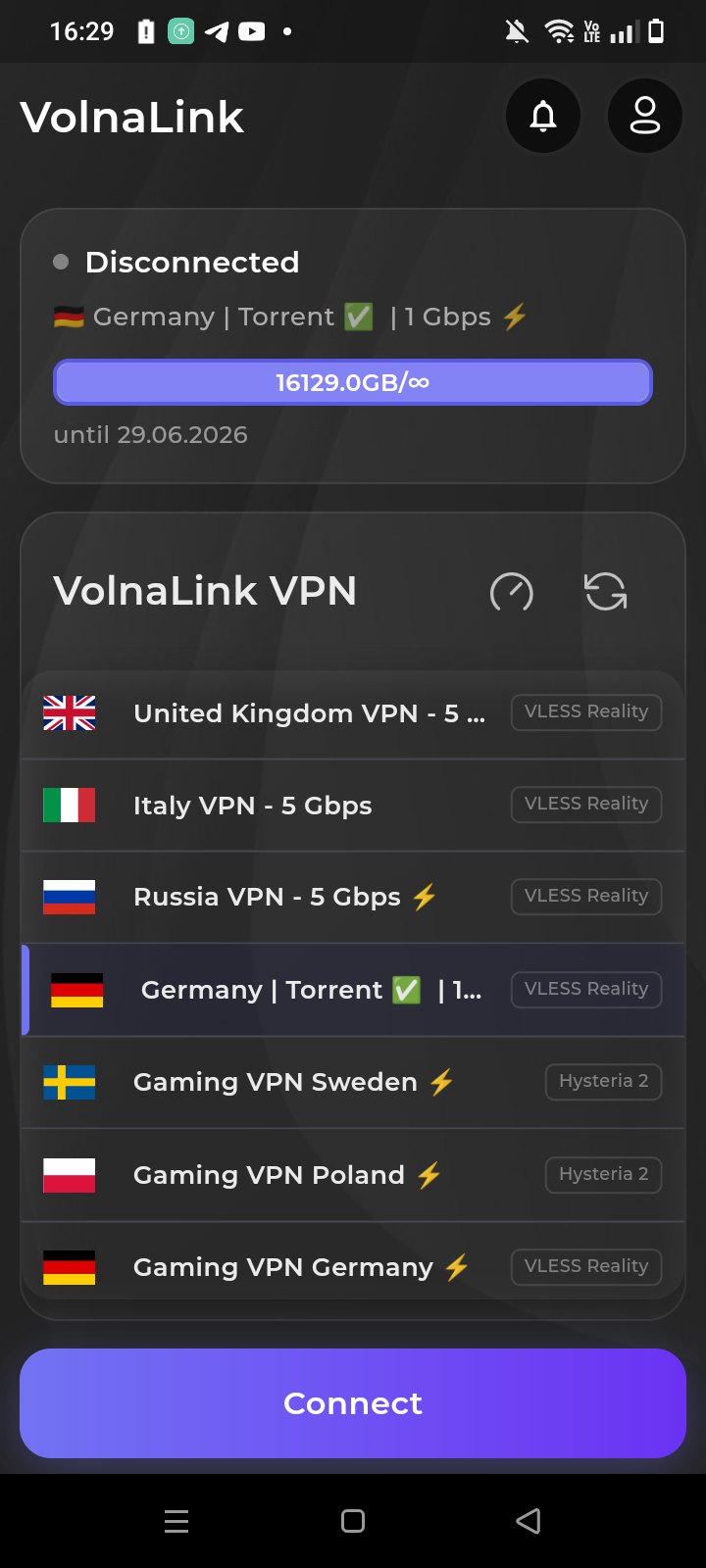
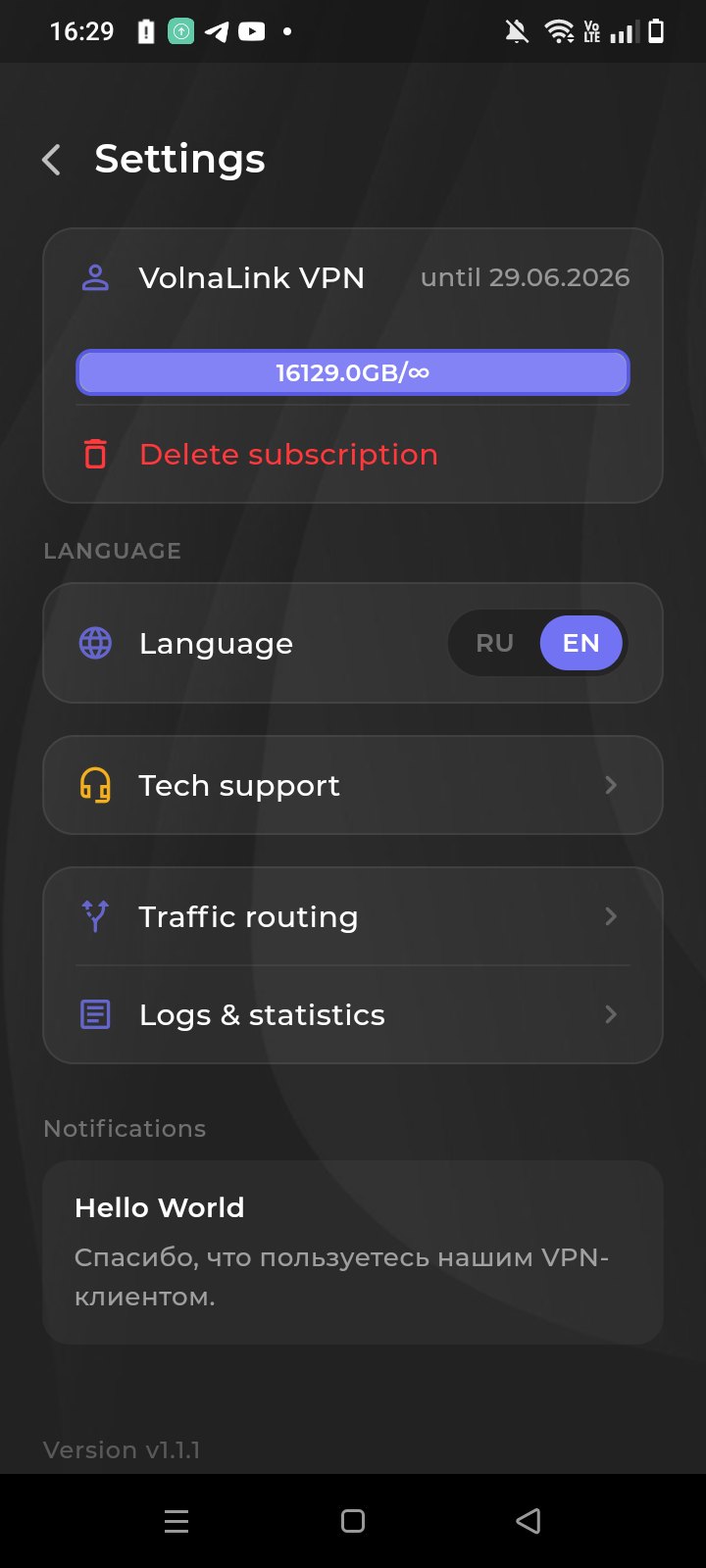
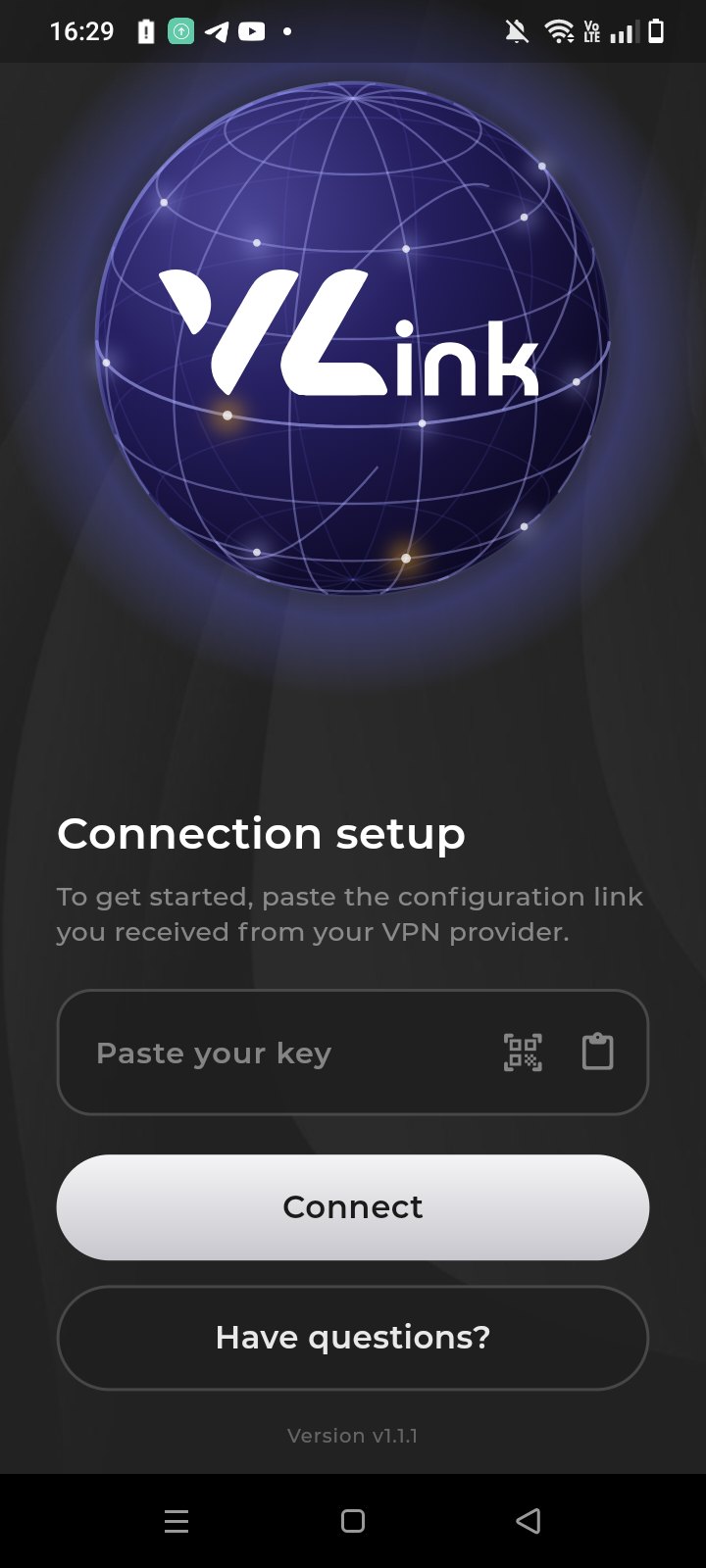
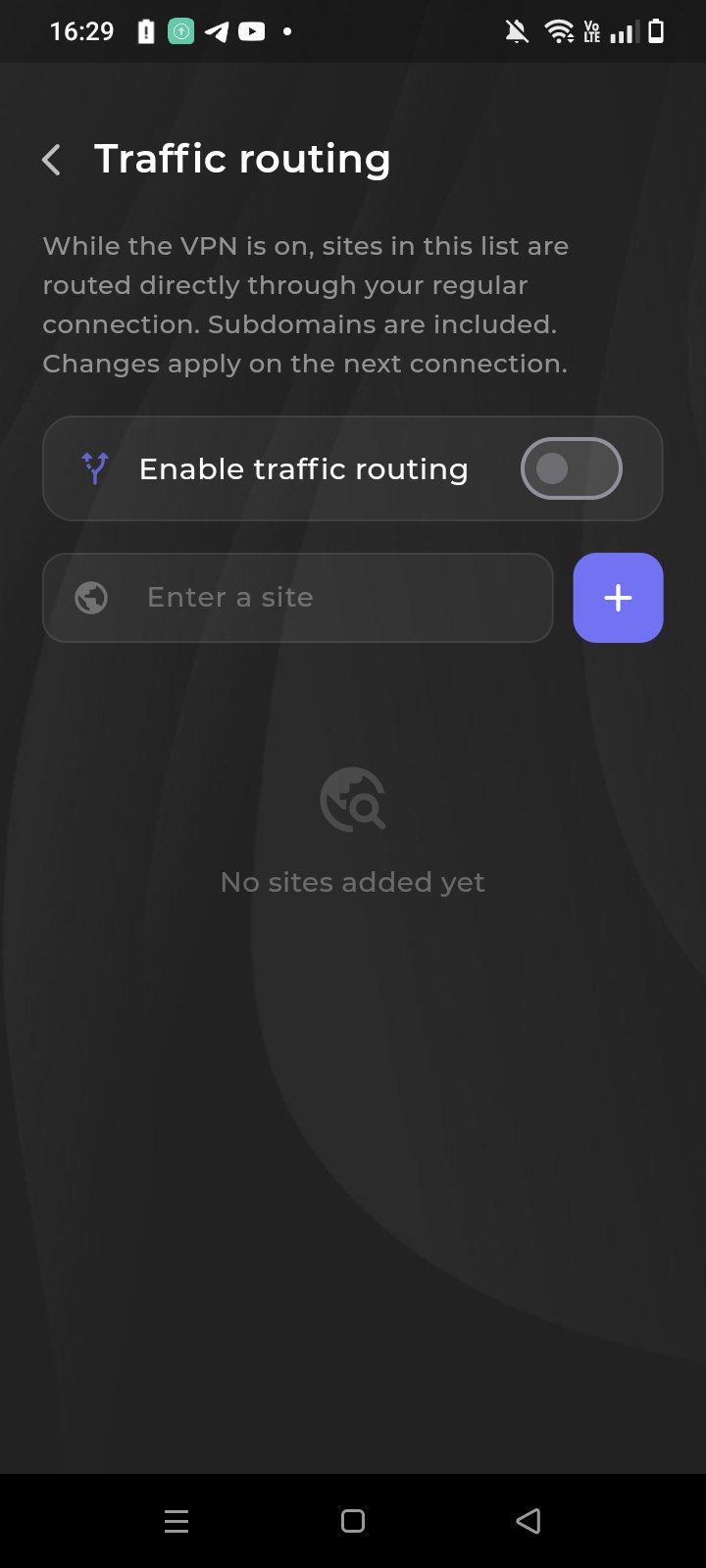
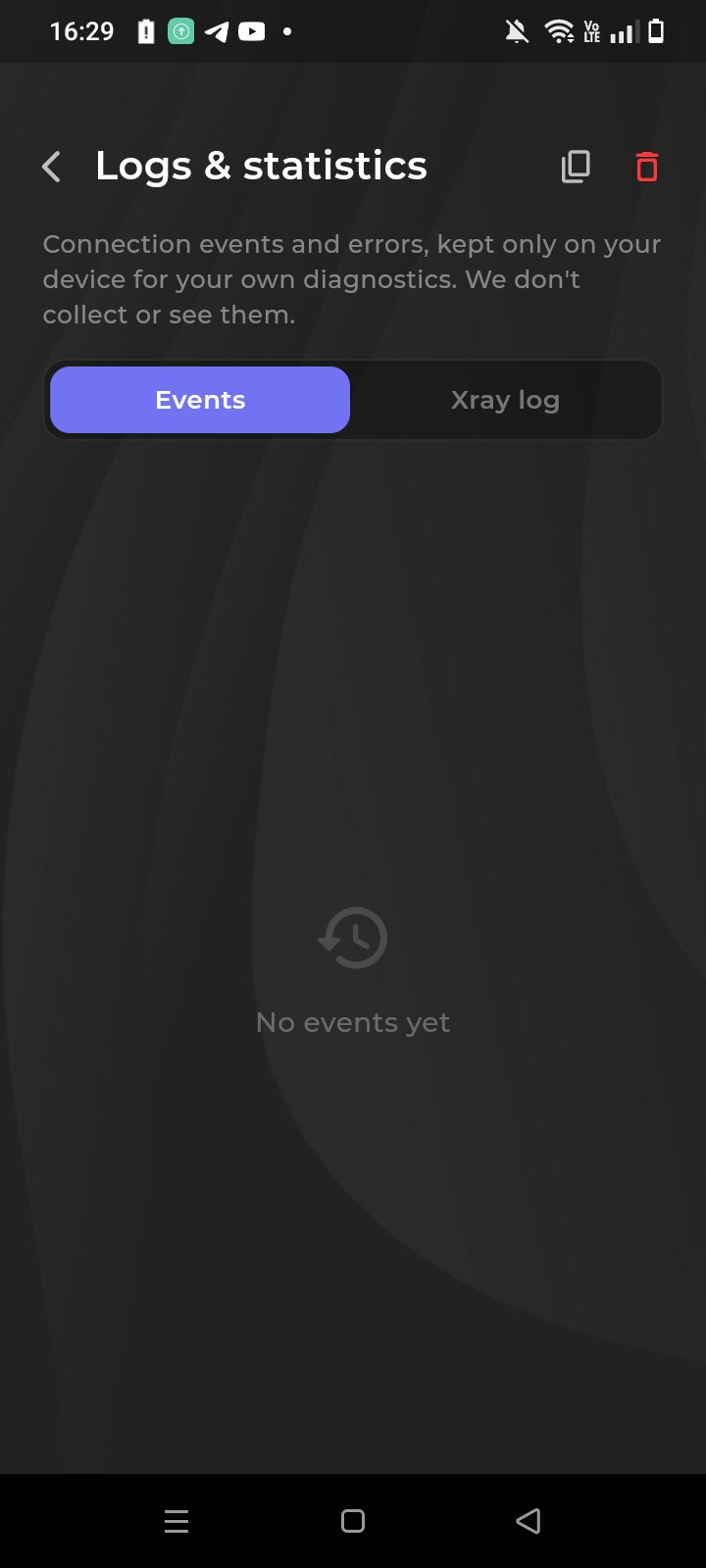
The VolnaLink app for Android is a fast VPN with VLESS Reality, Trojan and Hysteria 2 protocols. One-tap connection, 100+ locations, DNS-leak protection and stable speed for streaming and gaming.
Скачать VPN для Android можно с этой страницы: Google Play, Galaxy Store, Huawei AppGallery и APK. Это одно приложение VolnaLink, не разные клиенты и не отдельные тарифы. Аккаунт тот же, что на Windows и iPhone.
Google Play — для телефонов с сервисами Google. Galaxy Store — для Samsung, если Play нет или не открывается. Huawei AppGallery — для Huawei и Honor без Google. APK — если ни один магазин не ставит: скачайте файл с этой страницы и установите вручную. Разрешение «неизвестные источники» нужно только для APK.
На Samsung Galaxy ставится тот же Android-клиент. Берите Galaxy Store, если Google Play недоступен, или Play — если он есть. Отдельного тарифа «только для Samsung» нет.
Если нет Google Play — кнопка Huawei AppGallery. Клиент тот же. Если AppGallery не открывает страницу, ставьте APK с этой страницы.
Сначала другая кнопка: Play → Galaxy Store → AppGallery → APK. Не ставьте клиент из случайной выдачи и не путайте с Happ. Если APK «не устанавливается» — удалите старую сборку VolnaLink и повторите, версия Android должна быть 8 или новее.
Проверьте интернет без VPN, дату и время, что не крутится второй VPN (Happ, v2ray, системный). Обновите клиент из того же магазина, откуда ставили. Смените страну в приложении. Если сайты есть, а YouTube тормозит — статья «YouTube не работает с VPN». Если не помогает — напишите в поддержку.
Google Play, Galaxy Store, AppGallery и APK входят в ту же подписку, что Windows, Mac и iOS. Первые 8 часов бесплатно, без карты. Купить VPN — на странице тарифов.
Create an account in your personal cabinet — about 30 seconds.
Install the VolnaLink app for your device.
Pick a plan in your cabinet. The first 8 hours are free, no card required.
Open the app, choose a country and connect.
The first 8 hours are free with no card required. After that the app works on a subscription that covers every country and platform.
VLESS Reality, Trojan and Hysteria 2 — the app picks the best one for a fast, stable connection.
Yes. One subscription works across all your devices and every platform.
Register in your personal cabinet, download the app for your platform, add a subscription and connect. Four simple steps.