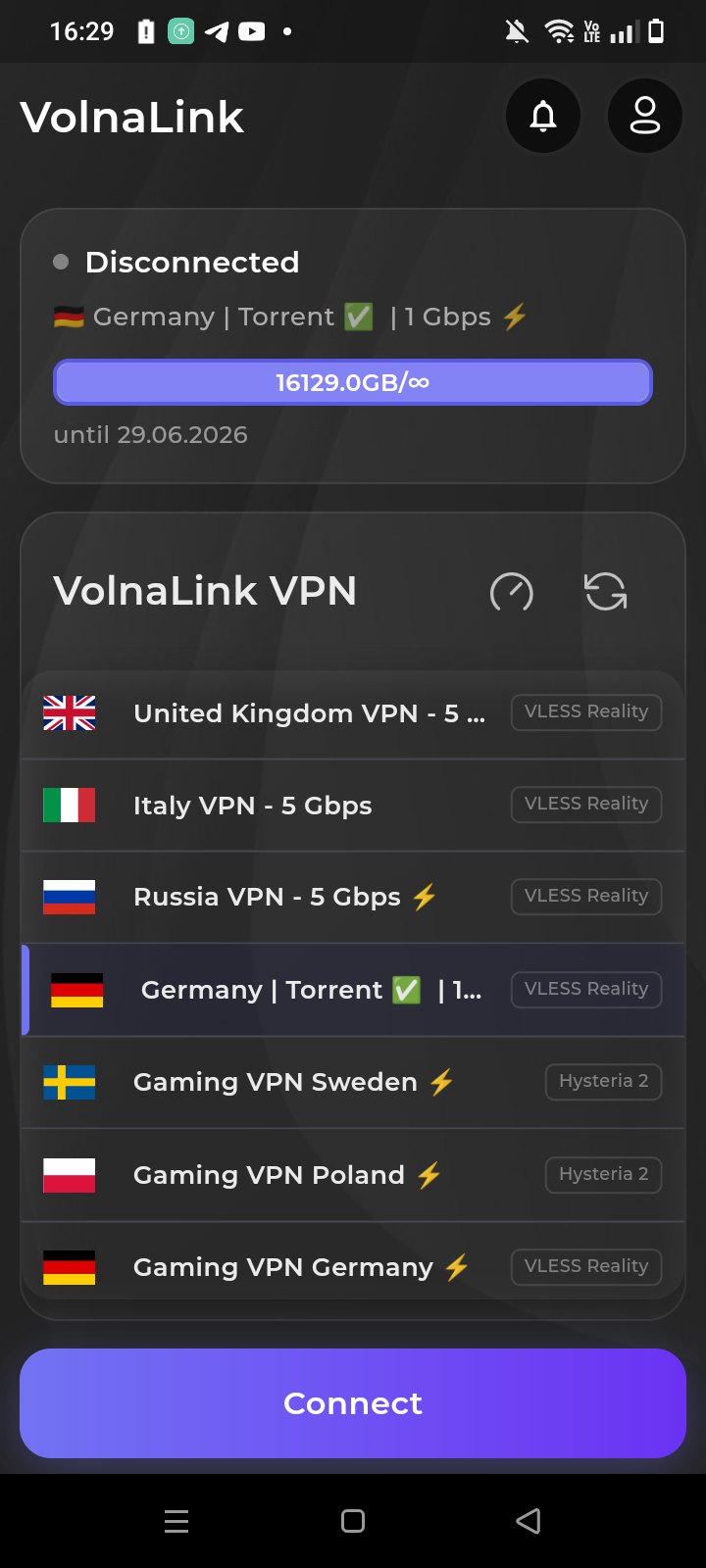
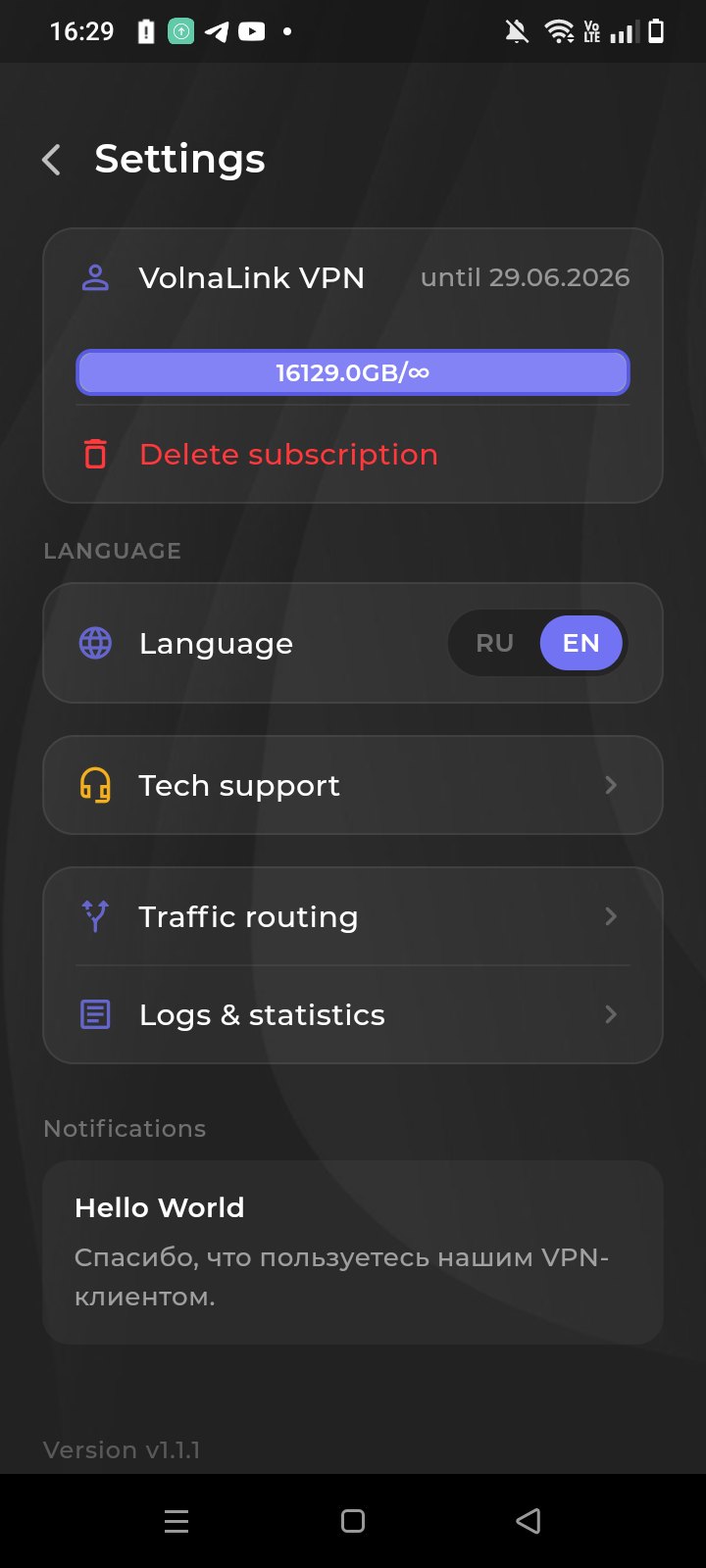
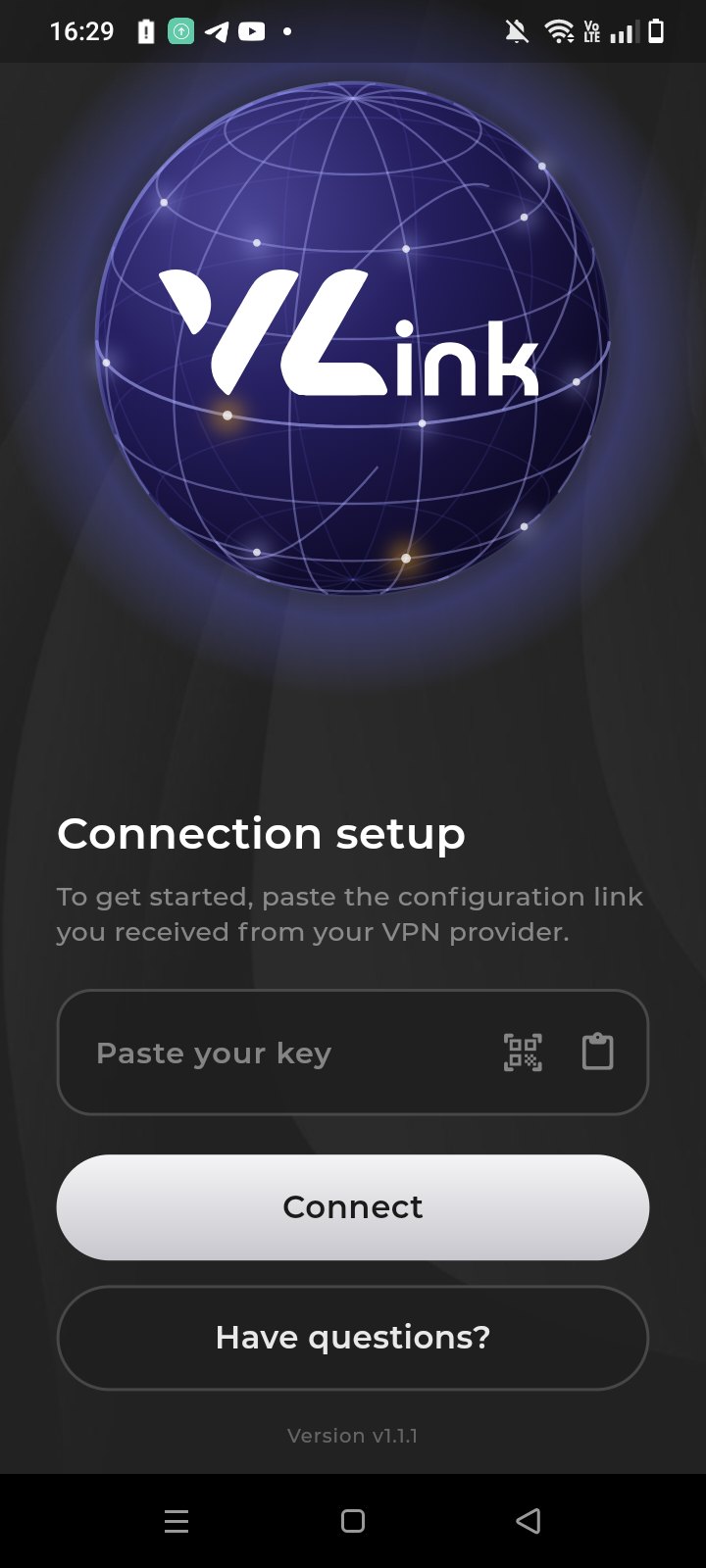
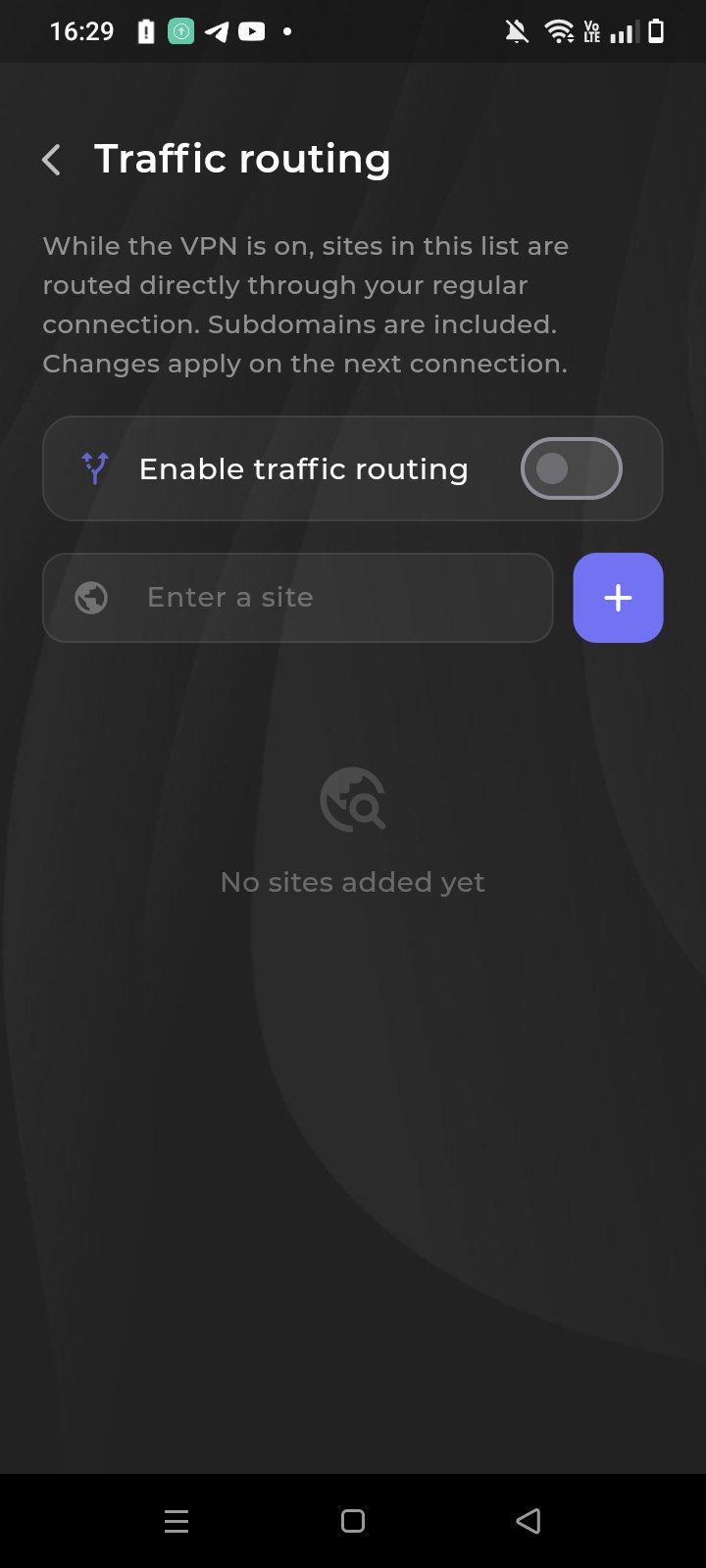
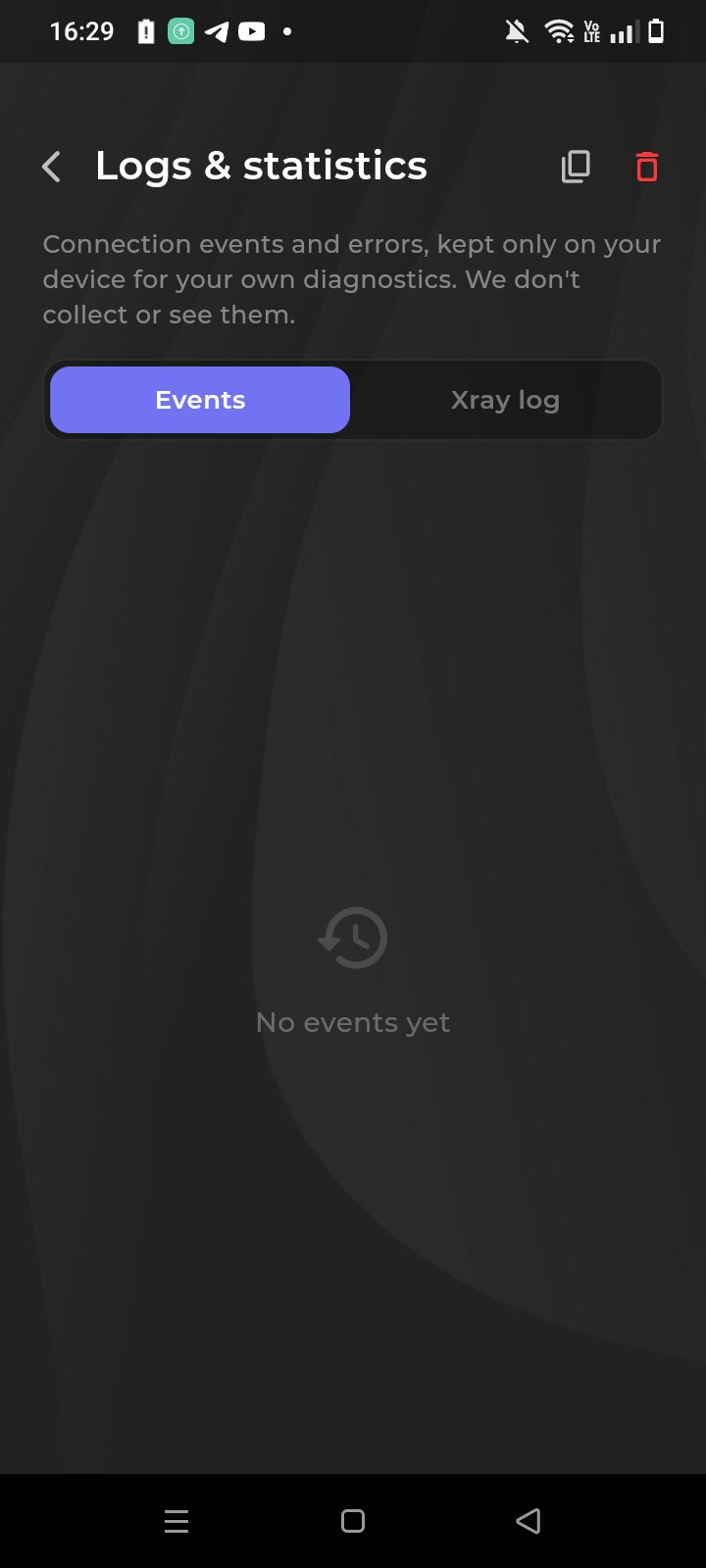
The VolnaLink app for Samsung Galaxy is the same Android client, listed on the Galaxy Store. One-tap connection, 100+ locations, VLESS Reality, Trojan and Hysteria 2. One subscription with your computer and iPhone.
Скачать VPN для Samsung можно из Galaxy Store по кнопке на этой странице. Это приложение VolnaLink для смартфонов и планшетов Galaxy, не отдельный тариф.
На Samsung с Google Play можно ставить тот же клиент из Play. Если магазина Google нет — Galaxy Store. Подписка одна: Windows, Android, iOS и Samsung.
Аккаунт VolnaLink, кнопка Galaxy Store, установка, вход тем же аккаунтом, подключение. Первые 8 часов бесплатно, без карты.
Create an account in your personal cabinet — about 30 seconds.
Install the VolnaLink app for your device.
Pick a plan in your cabinet. The first 8 hours are free, no card required.
Open the app, choose a country and connect.
The first 8 hours are free with no card required. After that the app works on a subscription that covers every country and platform.
VLESS Reality, Trojan and Hysteria 2 — the app picks the best one for a fast, stable connection.
Yes. One subscription works across all your devices and every platform.
Register in your personal cabinet, download the app for your platform, add a subscription and connect. Four simple steps.