
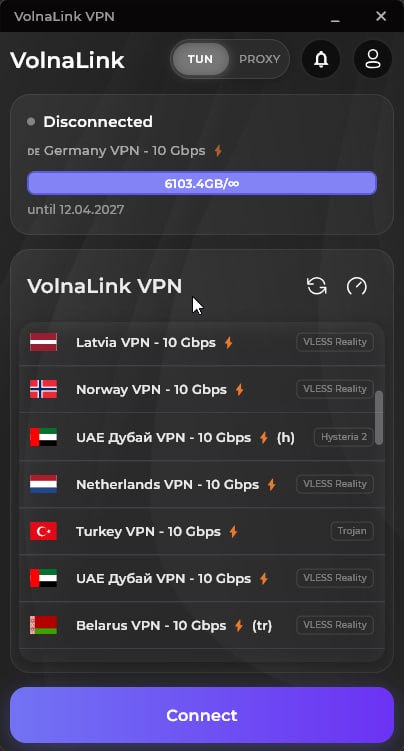
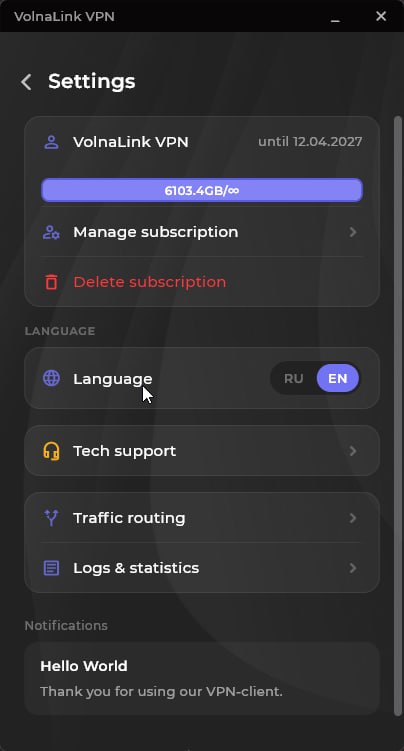
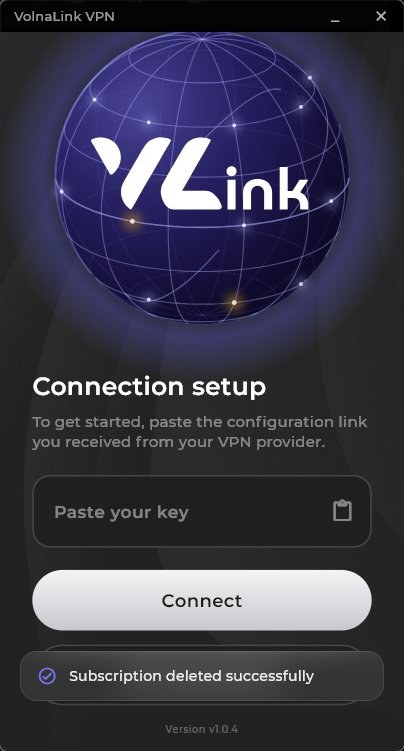
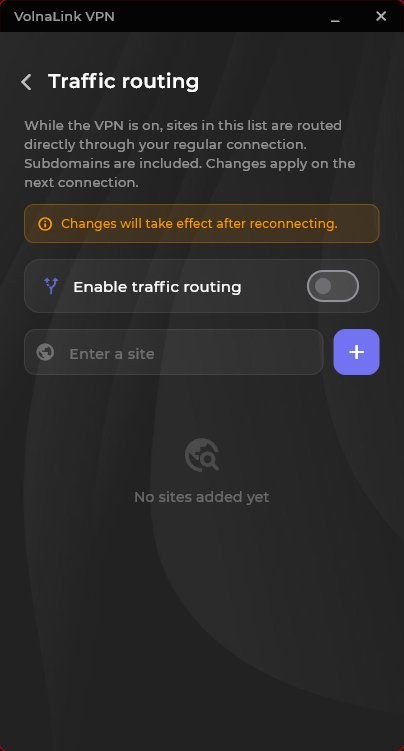
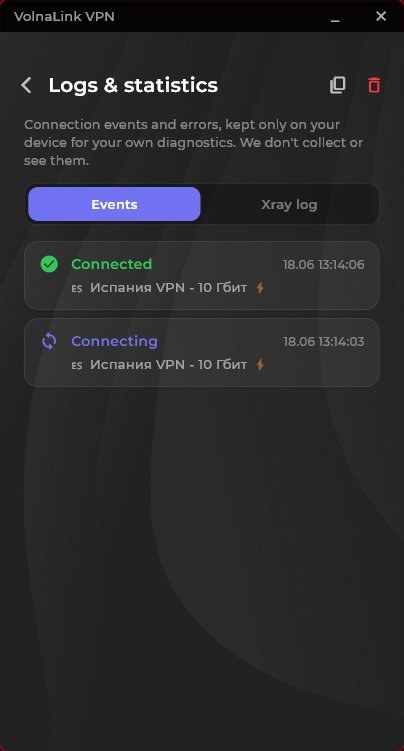
The VolnaLink app for Windows is a fast and secure VPN client with modern VLESS Reality, Trojan and Hysteria 2 protocols. 100+ locations worldwide, DNS-leak protection, a kill-switch and high speed for streaming, calls and gaming.
Скачать VPN для Windows можно с этой страницы: установщик, аккаунт VolnaLink, подключение в один клик. Клиент закрывает весь трафик компьютера — браузер, Discord, игры и систему, не только вкладки.
Это нативное приложение для Windows 10 и 11, не расширение браузера. Работает на обычном ПК и на ноутбуке. Протоколы VLESS Reality, Trojan и Hysteria 2 выбираются сами.
Подписка одна: с компьютера на виндовс можно одновременно пользоваться телефоном и расширением Chrome. Если нужен только браузер без программы на систему — смотрите VPN для браузера.
Create an account in your personal cabinet — about 30 seconds.
Install the VolnaLink app for your device.
Pick a plan in your cabinet. The first 8 hours are free, no card required.
Open the app, choose a country and connect.
The first 8 hours are free with no card required. After that the app works on a subscription that covers every country and platform.
VLESS Reality, Trojan and Hysteria 2 — the app picks the best one for a fast, stable connection.
Yes. One subscription works across all your devices and every platform.
Register in your personal cabinet, download the app for your platform, add a subscription and connect. Four simple steps.