
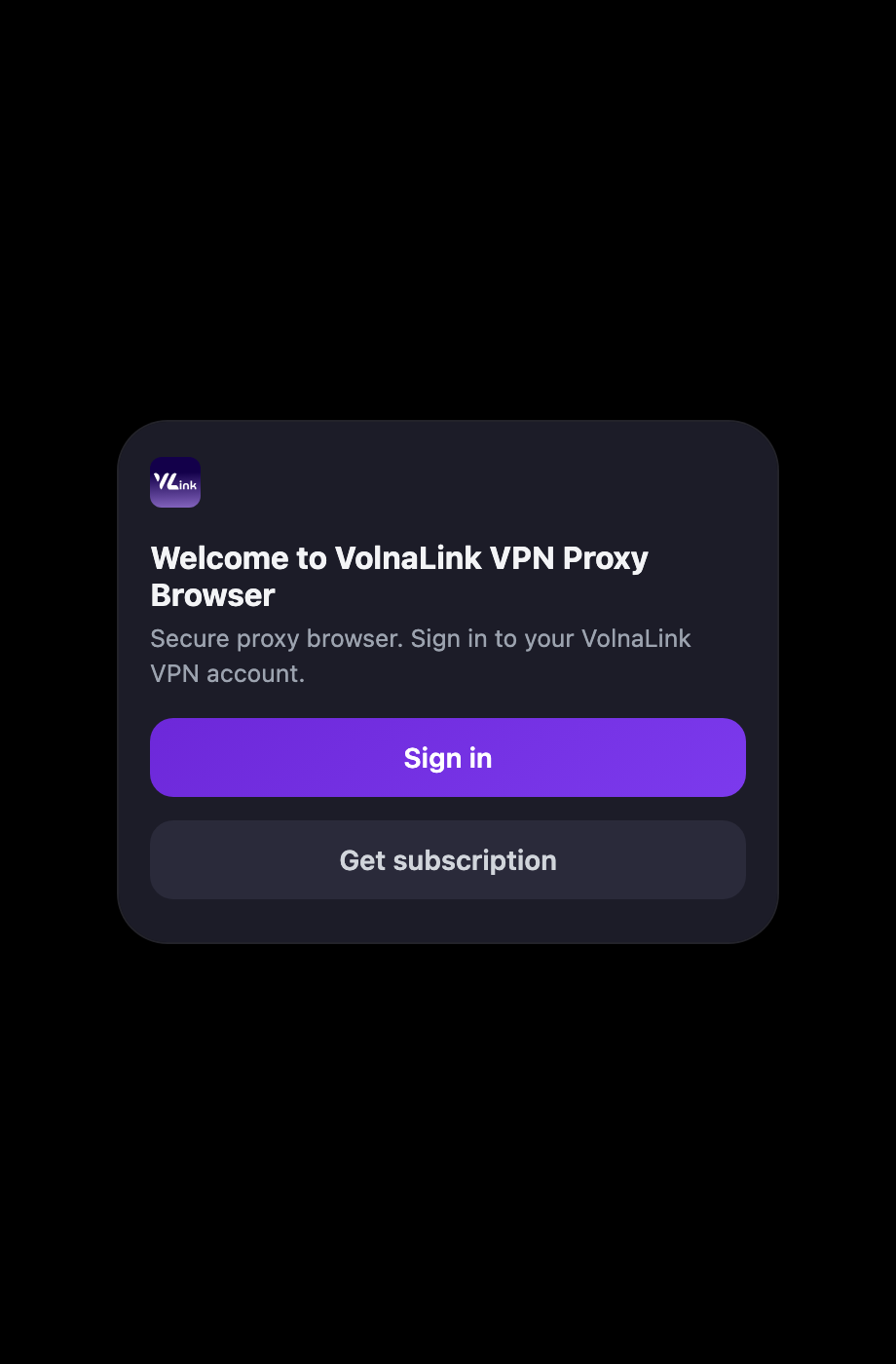
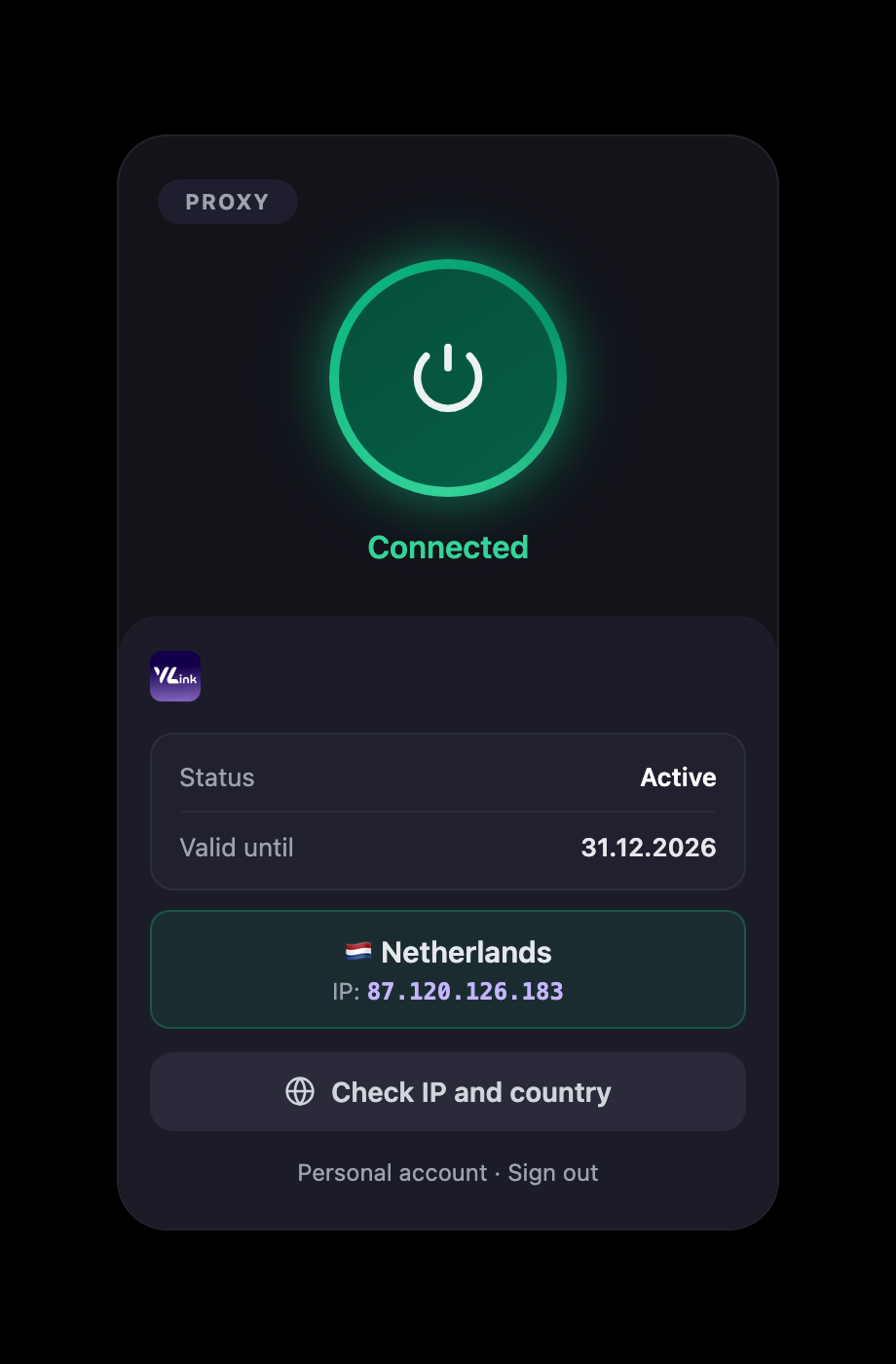
VolnaLink VPN for Firefox is a browser extension: tab traffic goes through a protected connection, other programs on the computer are left as they are.
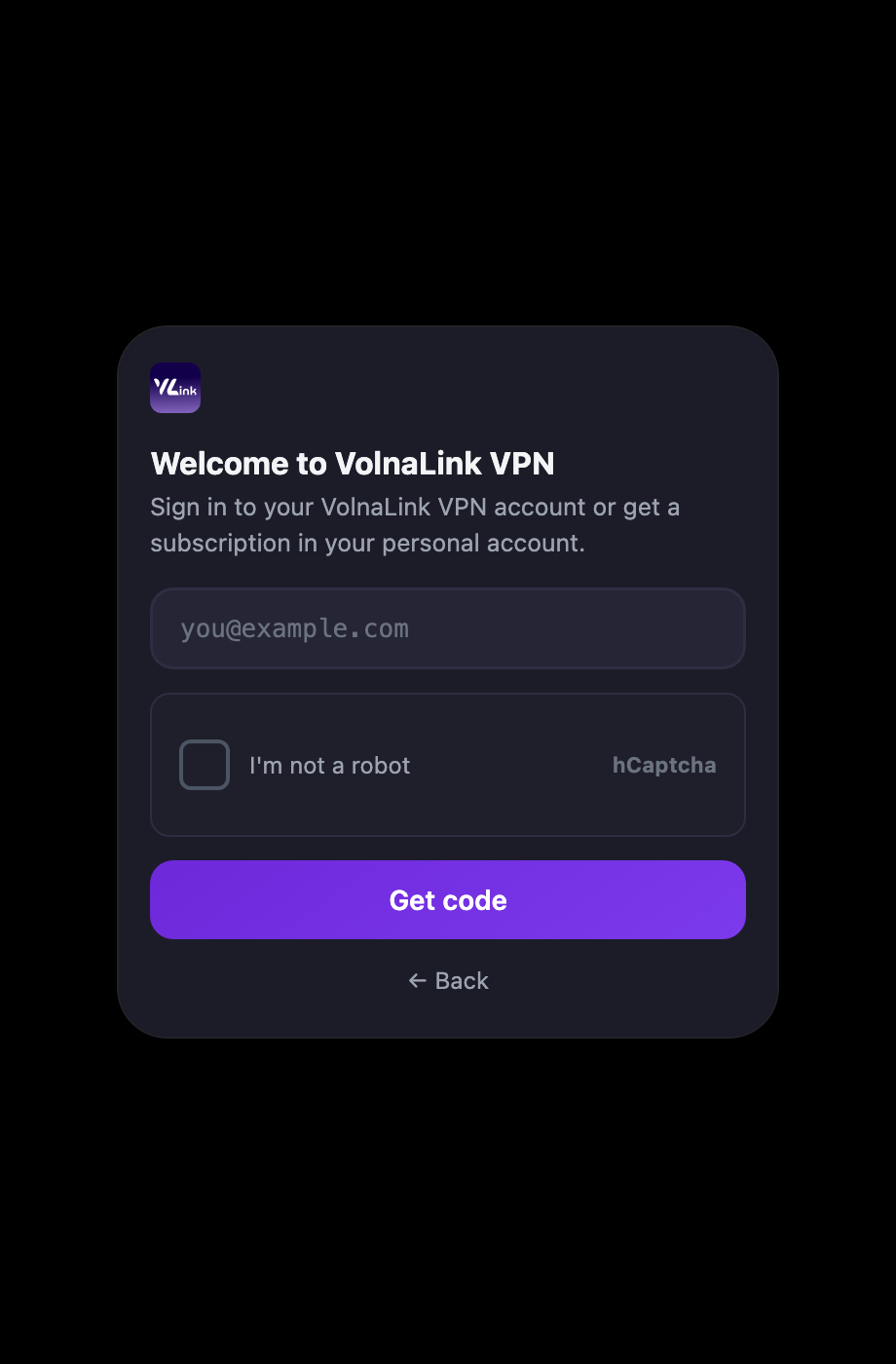
Create an account in your personal cabinet — about 30 seconds.
Click Download on this page — the Firefox store will open.
Add the VolnaLink extension and sign in with the same account.
Click the extension button and pick a country.
No. The extension only protects the browser. For the whole system install the Windows, macOS or Linux app.
Chrome, Firefox and Edge. Other Chromium browsers usually work too.
Yes. One subscription works across all your devices and every platform.
The Firefox button on this page. The first 8 hours are free, no card required.